Motorcycle · BMW F 800 GS (2025)
Silverfox H1 plus - a game changer for handling
Until now I always had to tap the touchscreen at the front to operate the DMD2. I did have the BMW Wonderwheel via the BMW syncbox, but somehow it wasn’t really usable.
1) Zooming was awkward.
2) PAN and TILT were only available after switching the function again
3) Switching between TFT and NAV - that’s annoying
4) When a headset is connected to the BMW NAV, the Wonderwheel controls both the zoom and the volume.
On top of that I had to tap the display far too often, because the most essential functions could never be controlled.
So I needed a controller for the DMD2.
After looking at the possible alternatives, only the Silverfox controllers remained, since they can be mounted above or below the BMW instruments. Adding yet another controller in a row next to the Wonderwheel and the buttons was something I didn’t want to put myself through, both visually and in terms of operation.
Below would have been my preference, but the tank gets in the way at full steering lock. So above it is.
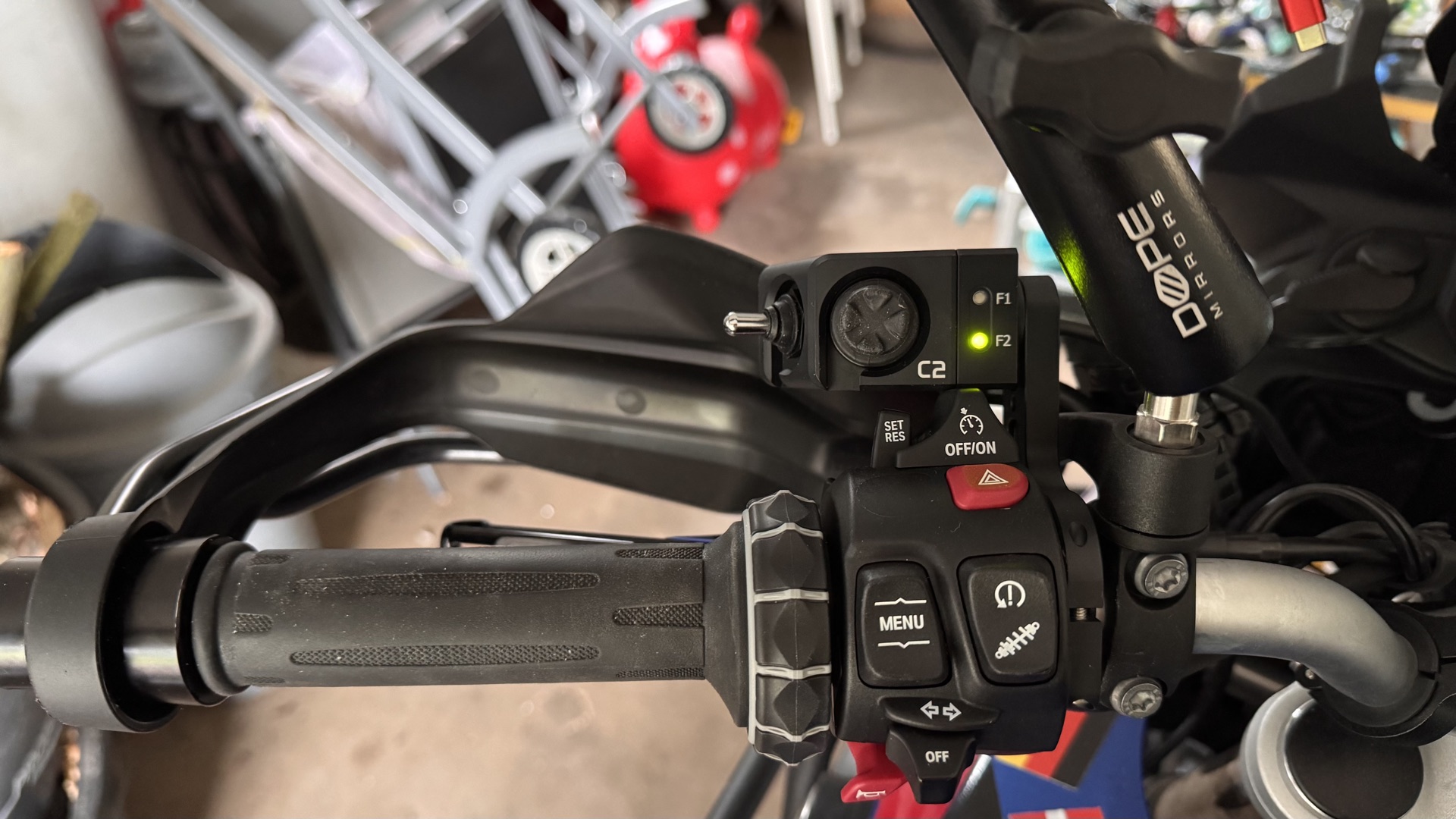
I first ordered the C2, but it has one button too few for me. There’s no dedicated center button. After testing, using a long press for that was too fiddly for me.
I was able to swap the C1 for an H1 plus. This was made possible by https://thats-rally.com - I was very impressed with the on-site support and my conversation with Srdan.
.
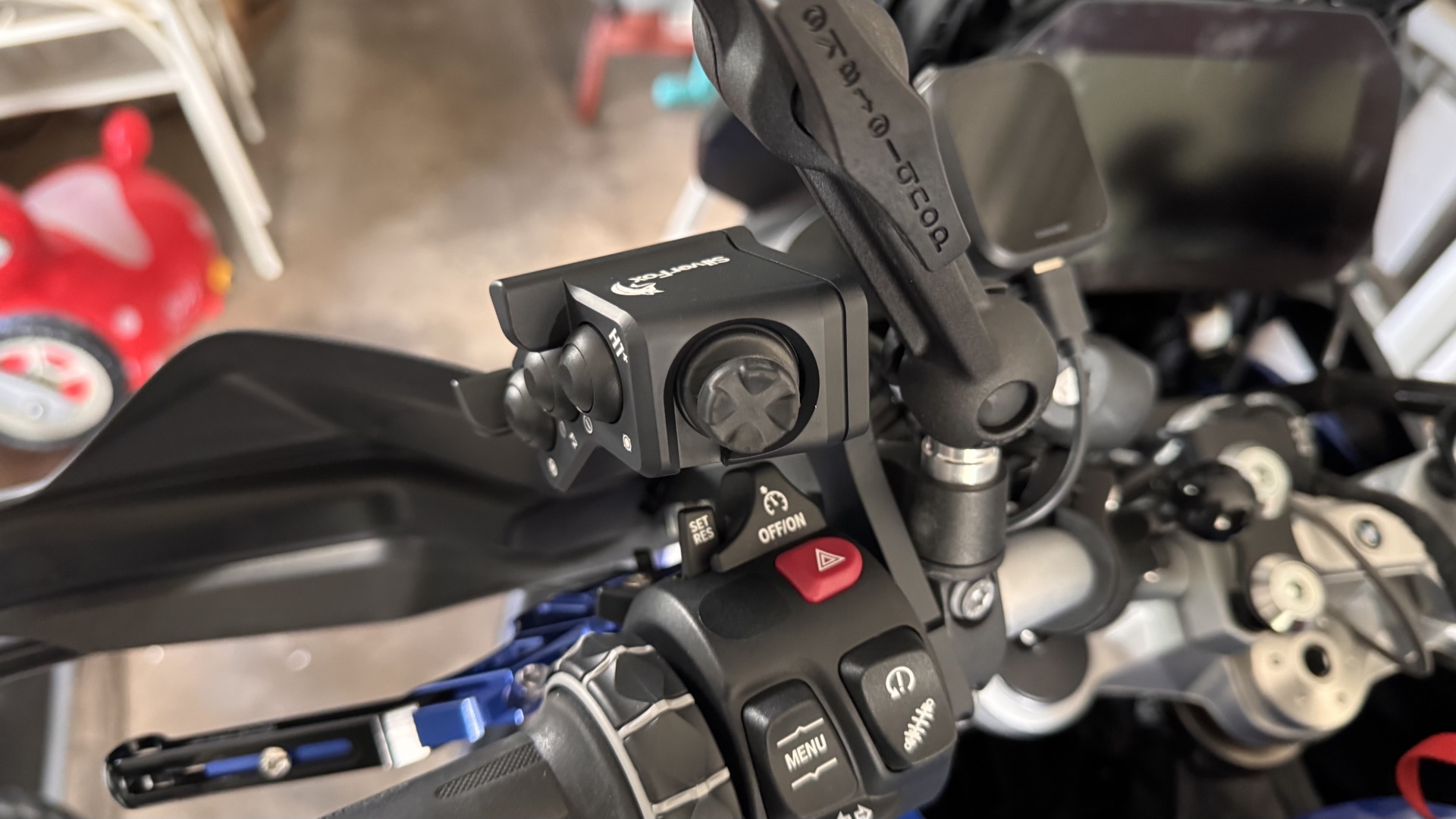 | 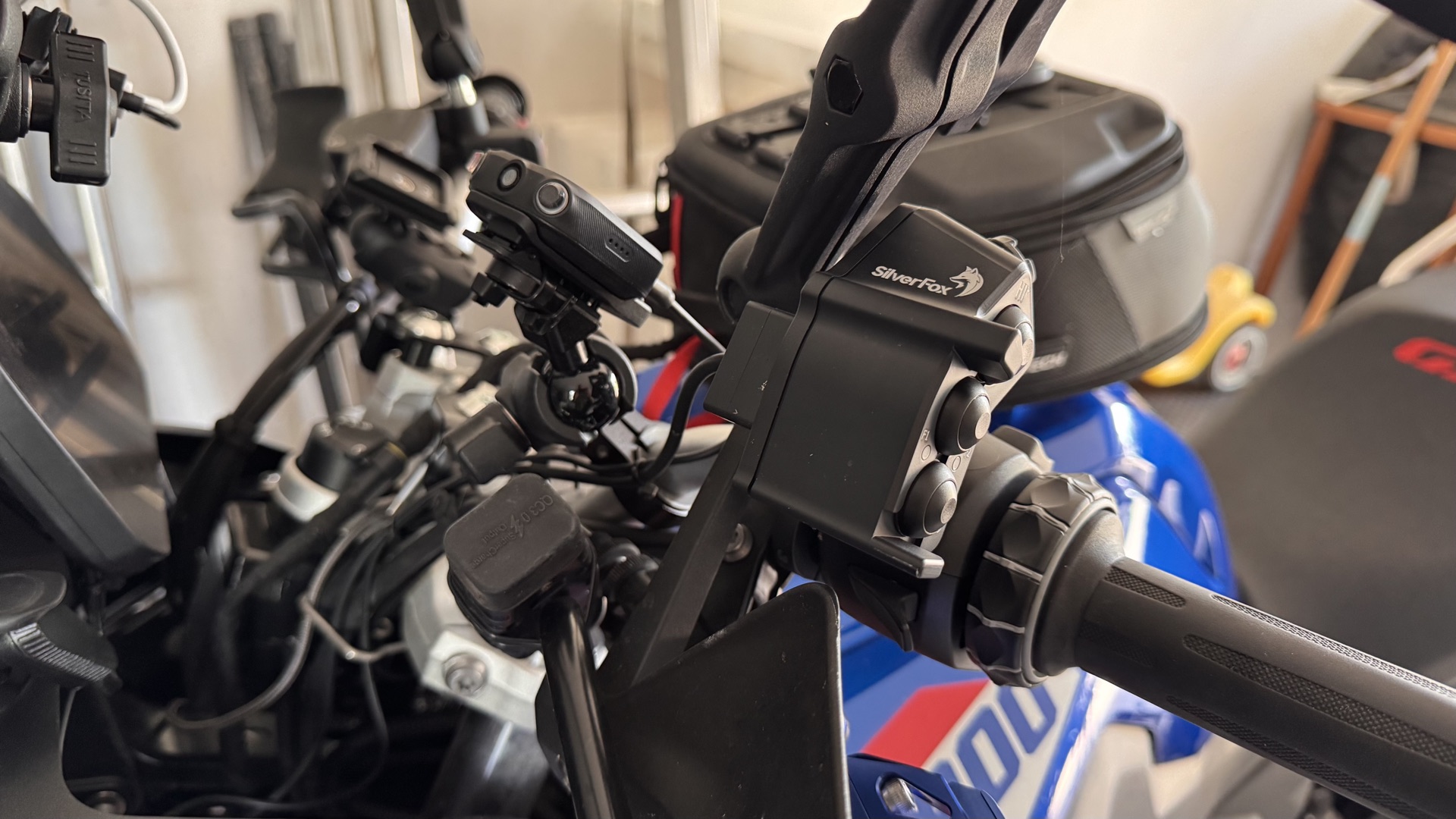 |
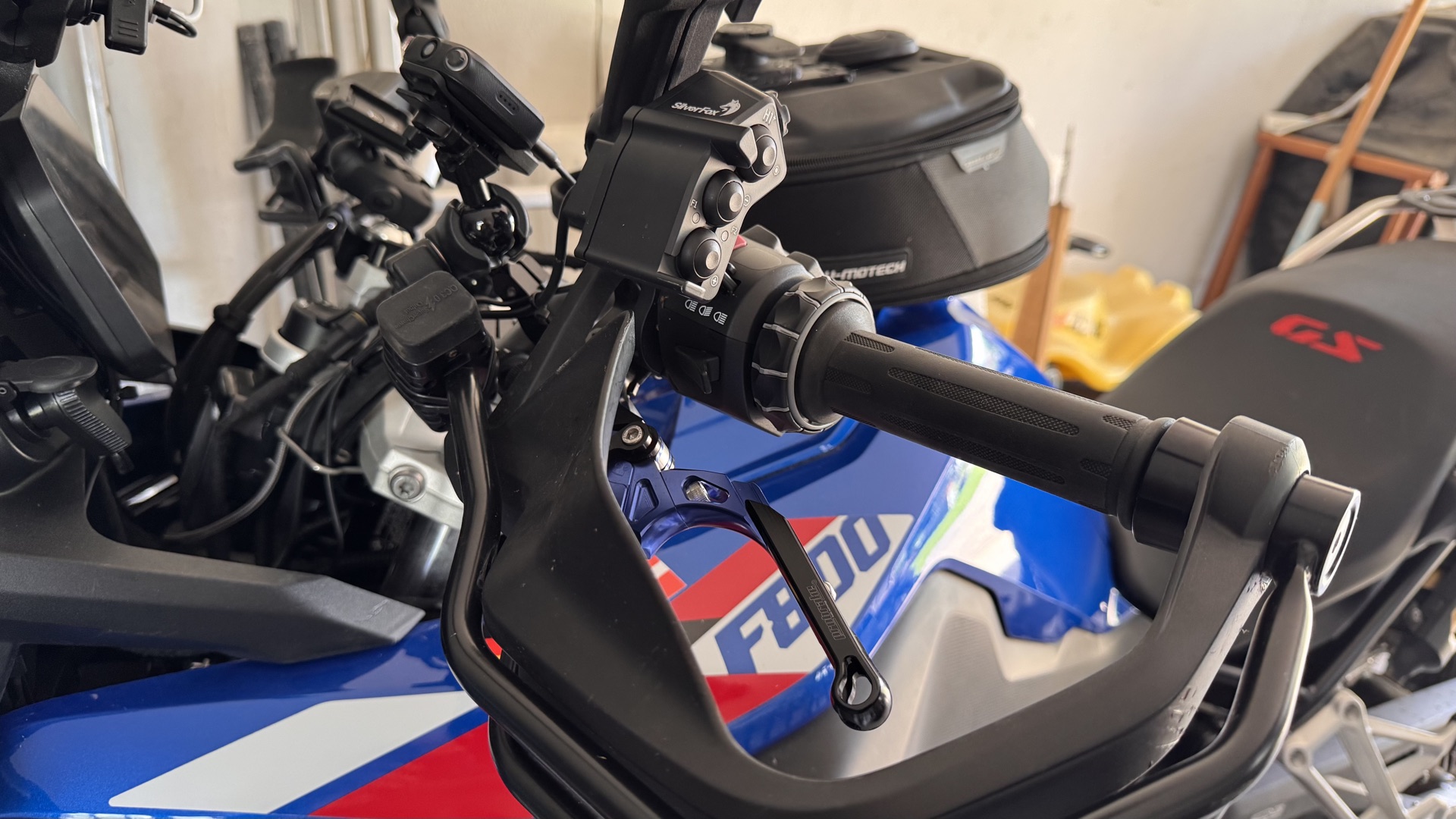
| |
I’m currently using DMD2 next. The app is still in beta and the controller configuration in particular is still a bit limited. But plenty more is supposed to come before the final product.
Current configuration:
Button + : Zoom out
Button - : Zoom in
Button : Toggle follow modes
Jog left, right, up, down : left, right, up, down
Long press jog down : Menu selection
Long press jog up: toggle display lock
The Silverfox mode for this is: F2
Silverfox C2
just for a look