Motorcycle · BMW F 800 GS (2025)
Navigation Option 2 - DMD2 Nor7e
With CarPlay and its apps I kept having trouble operating things while riding. Control via the Wonder Wheel never worked in a way that felt comfortable.
I also wanted a system that simply lets me distinguish between tracks and routes. That’s how I came across DMD2, which I have now installed.
Sure, it was a big conversion, but I think it’s worth it.
What I ordered
- DMD2 Nor7e
- BMW Sync Box
An additional bracket with spacer function wasn’t necessary
Power Off Mode
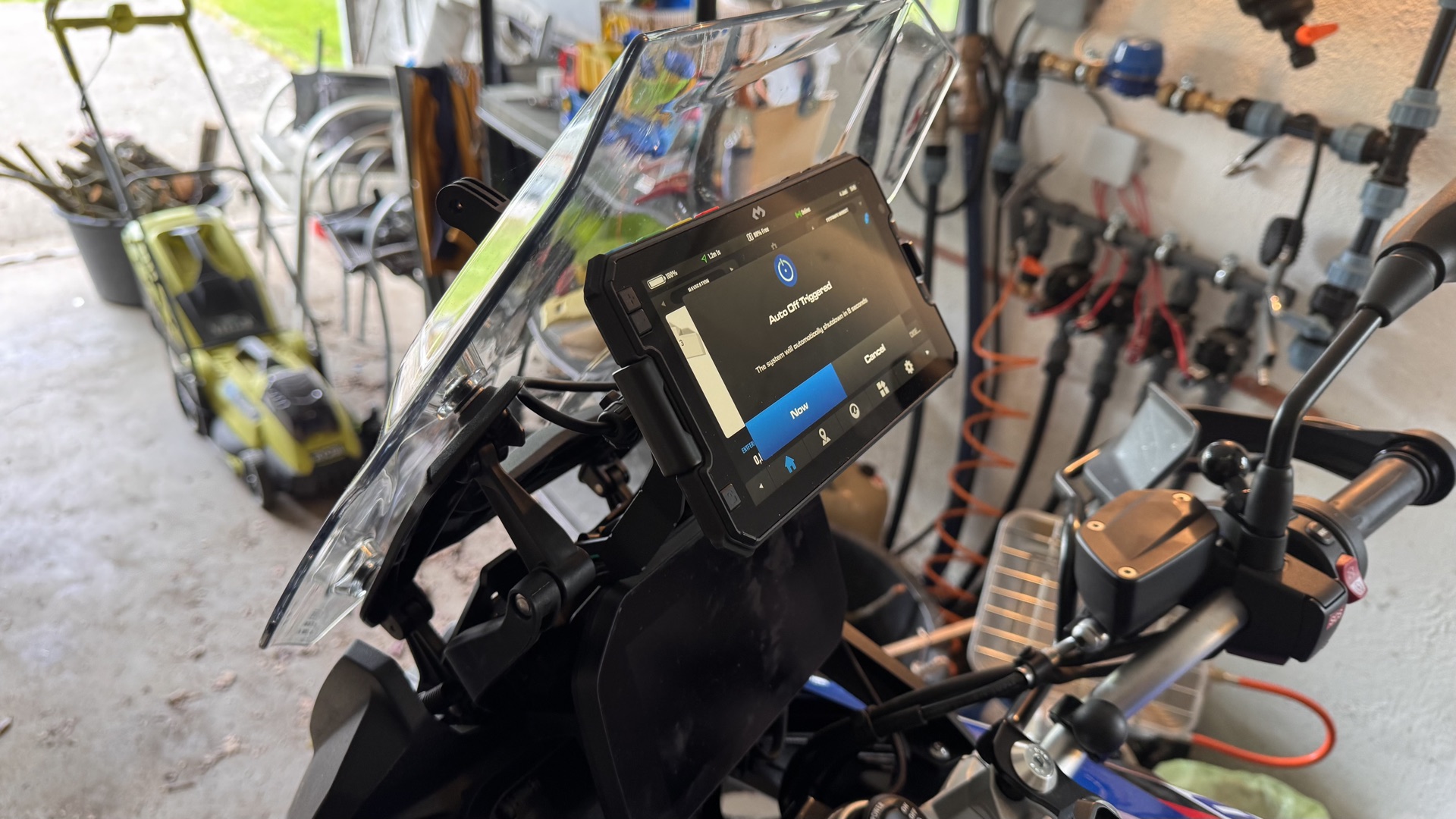
Note: in the device “Auto Off” settings, the “green line” indicator (last option) must not be selected! Otherwise Auto Off appears after starting, but not when switching off :-(
Installation
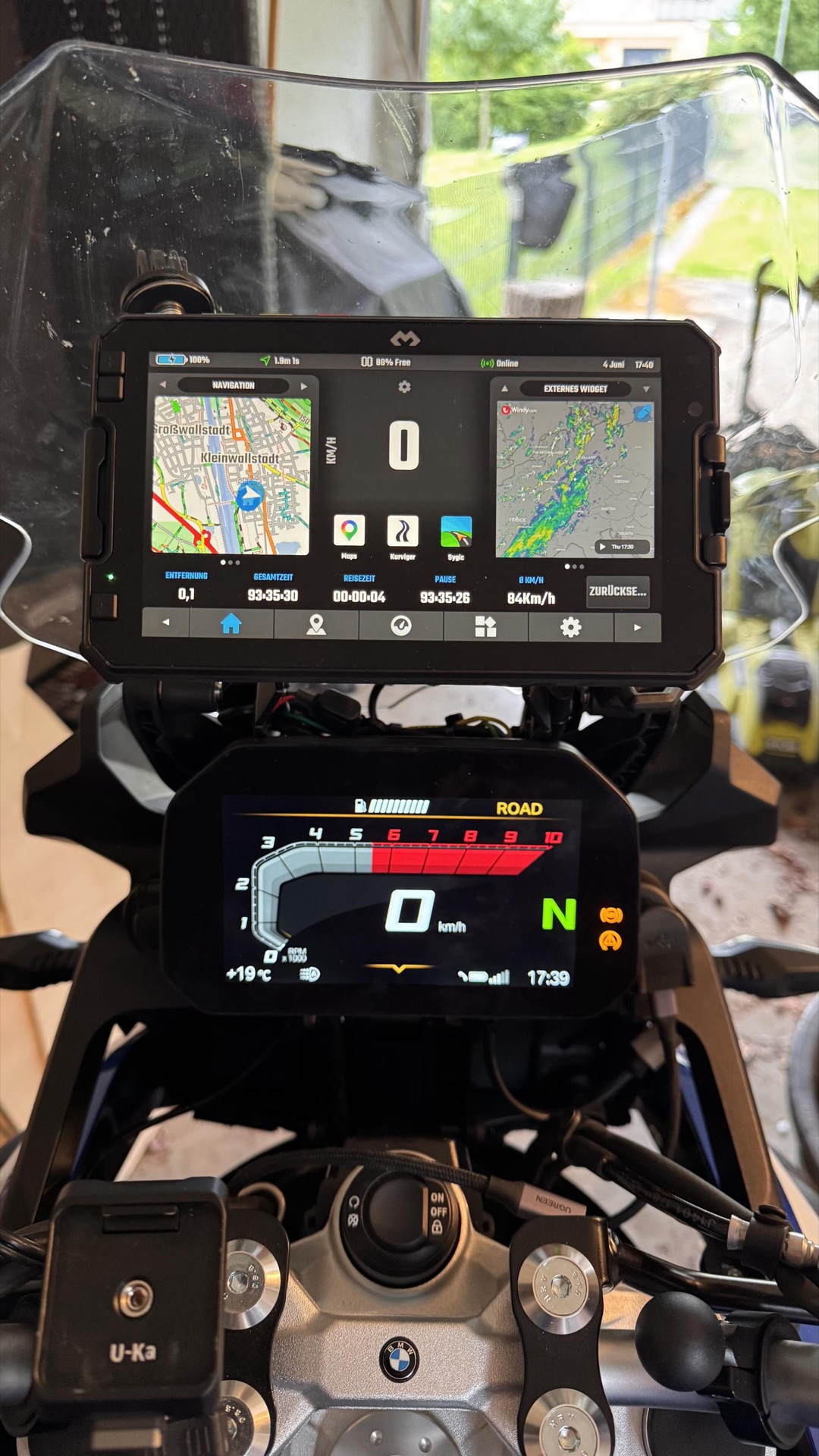
For the power supply I ordered a CarTool connector from Amazon. The manufacturer describes a production process that ensures the wires exit in the order of the pins.
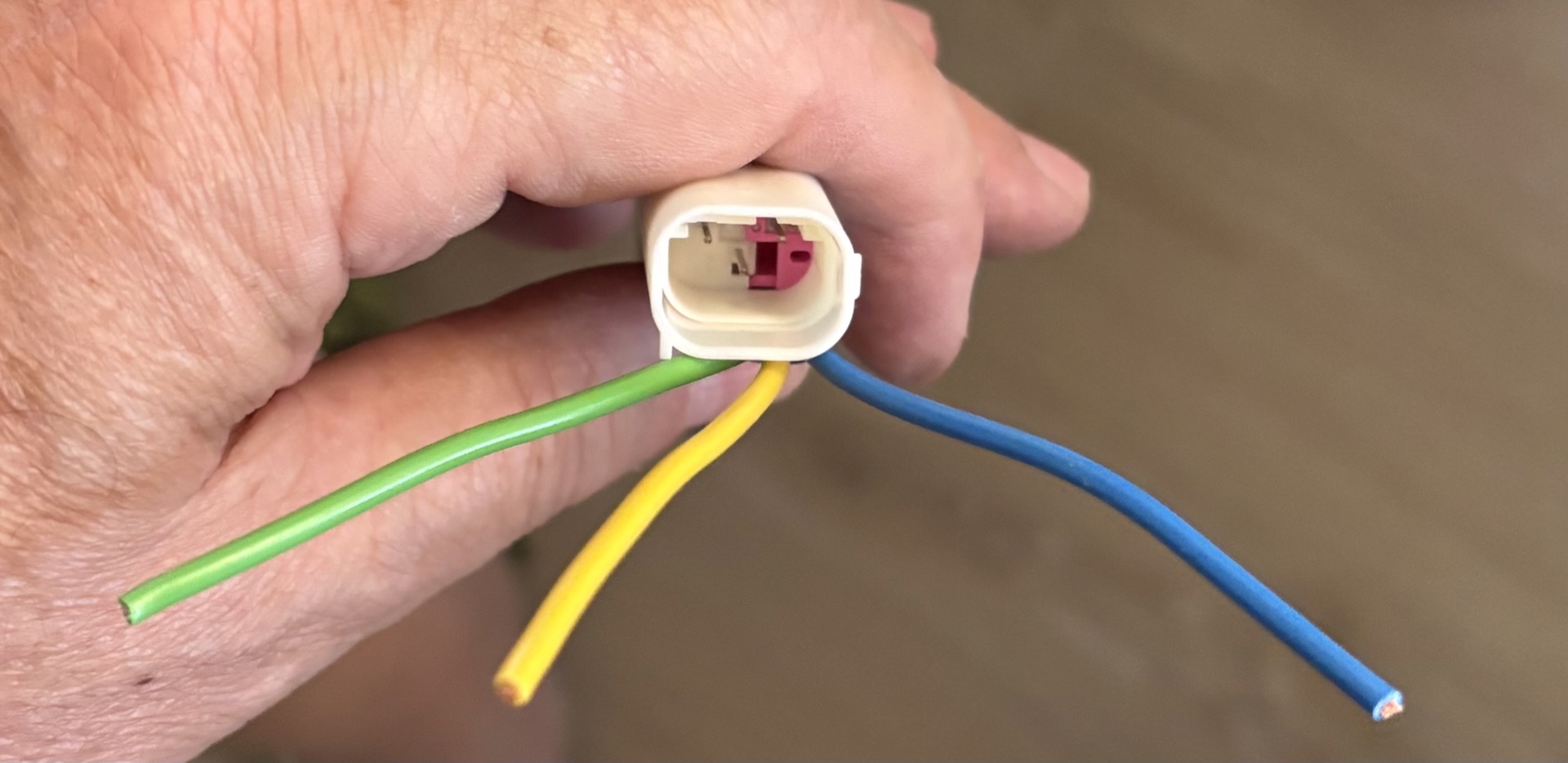
So:
- Pin 1: green -> DMD2 black
- Pin 2: yellow -> unused
- Pin 3: blue -> DMD2 red
I soldered the Cartool connector to the DMD2 wiring harness and secured and protected the joints with heat-shrink tubing.
The original connector is on the right-hand side (in direction of travel) under the side panel. Best to remove the panel, then it’s easier to reach.
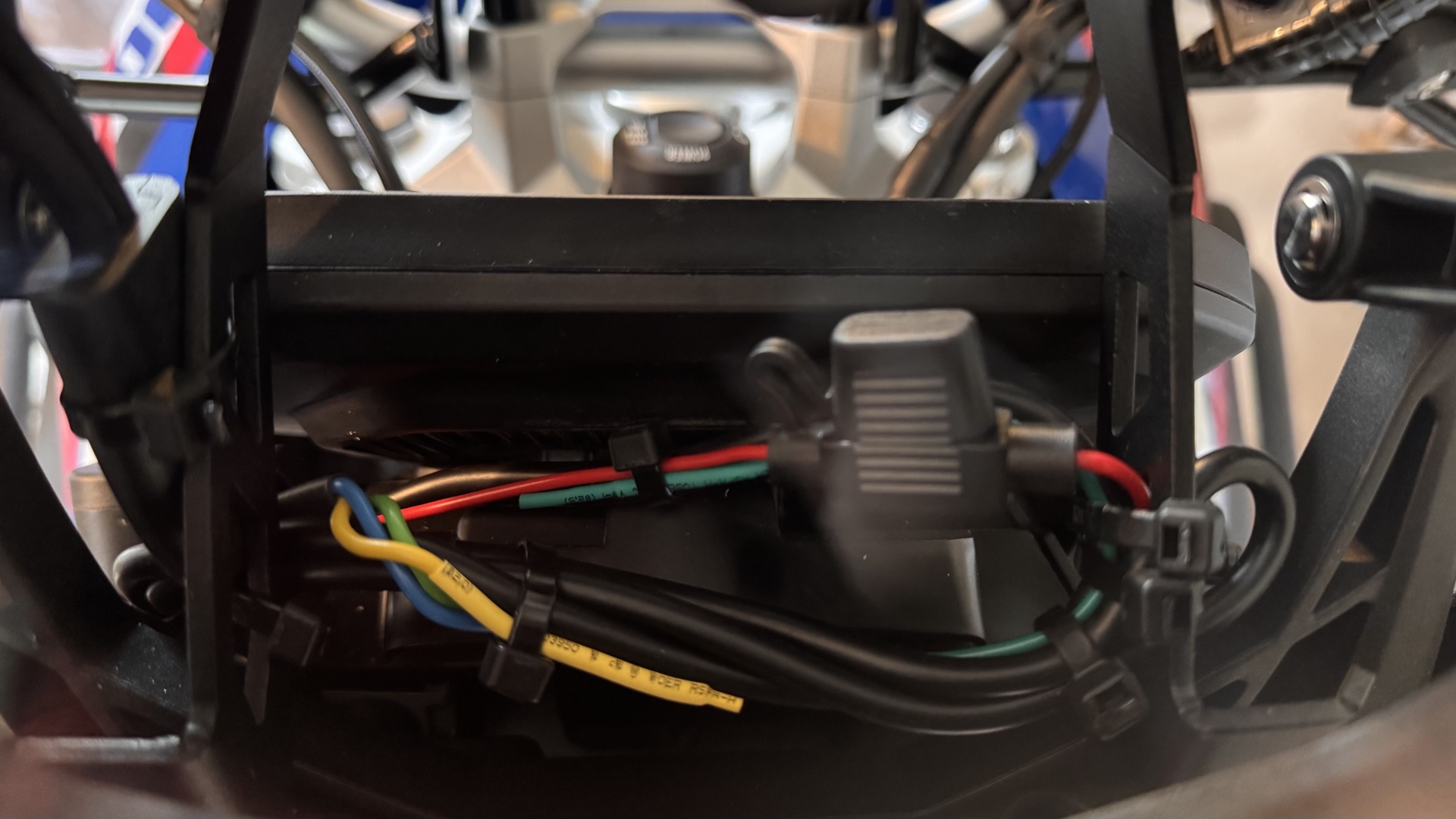
I coiled up the wiring harness and secured it neatly behind the TFT display.
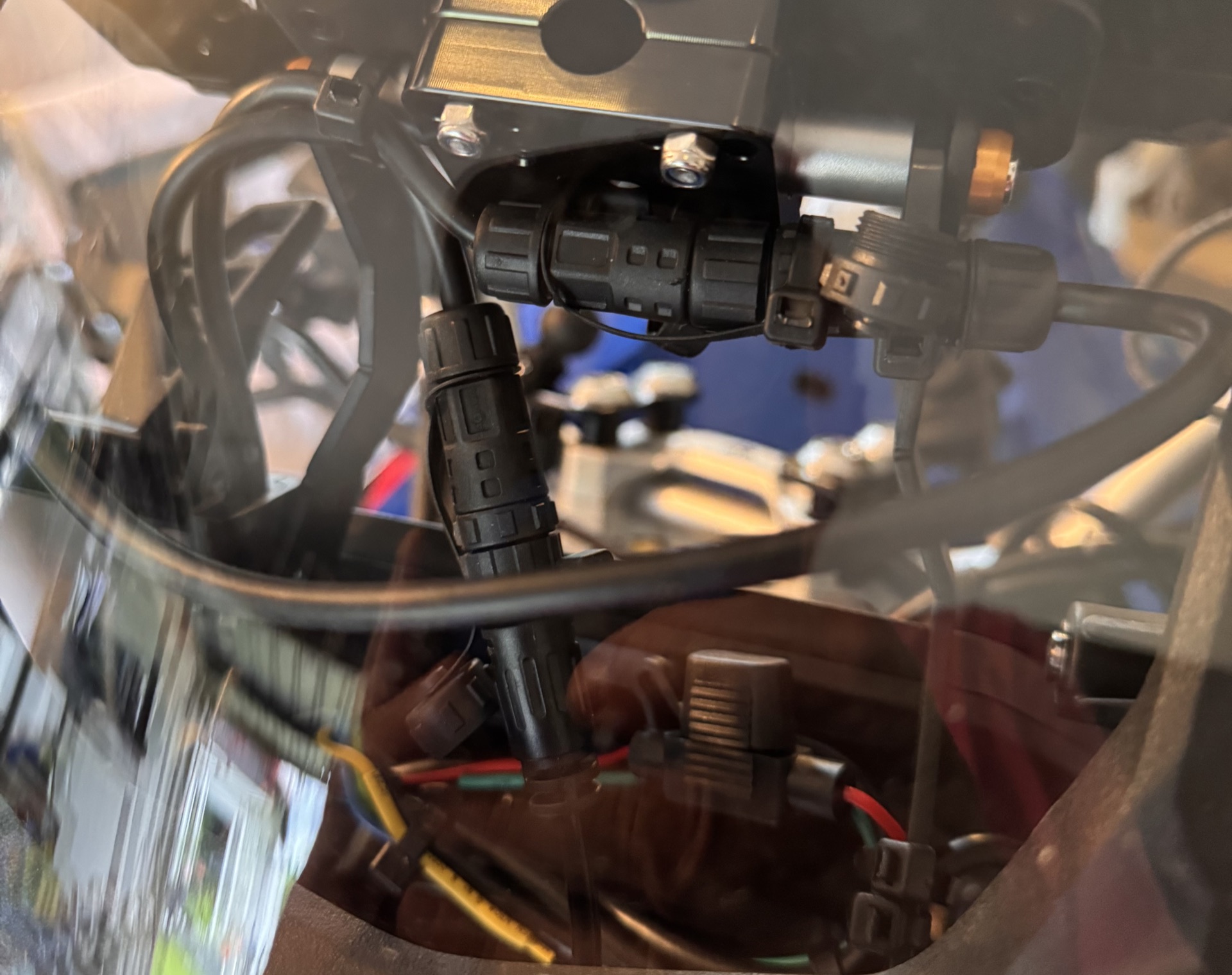
BMW Sync Box
At first I connected the BMW Sync Box via Bluetooth. That didn’t work and I couldn’t switch from TFT to NAV. After some research in the Facebook group I ran the cable after all. Now it works quickly and smoothly.
In the picture above, the cable runs downwards.
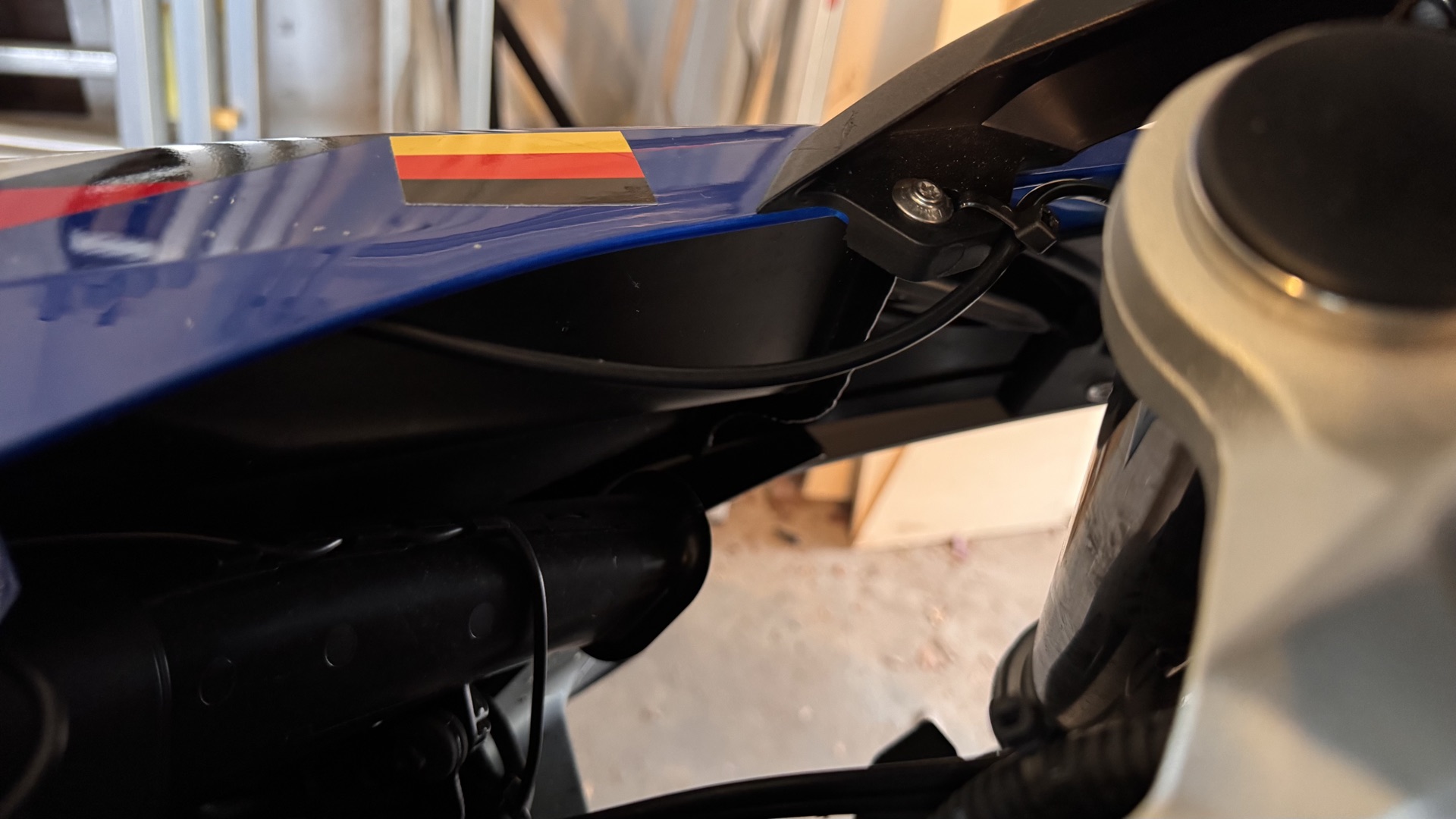
Then I loosened the tank cover and the left side panel. The cable can easily be laid behind them and routed to the rear.
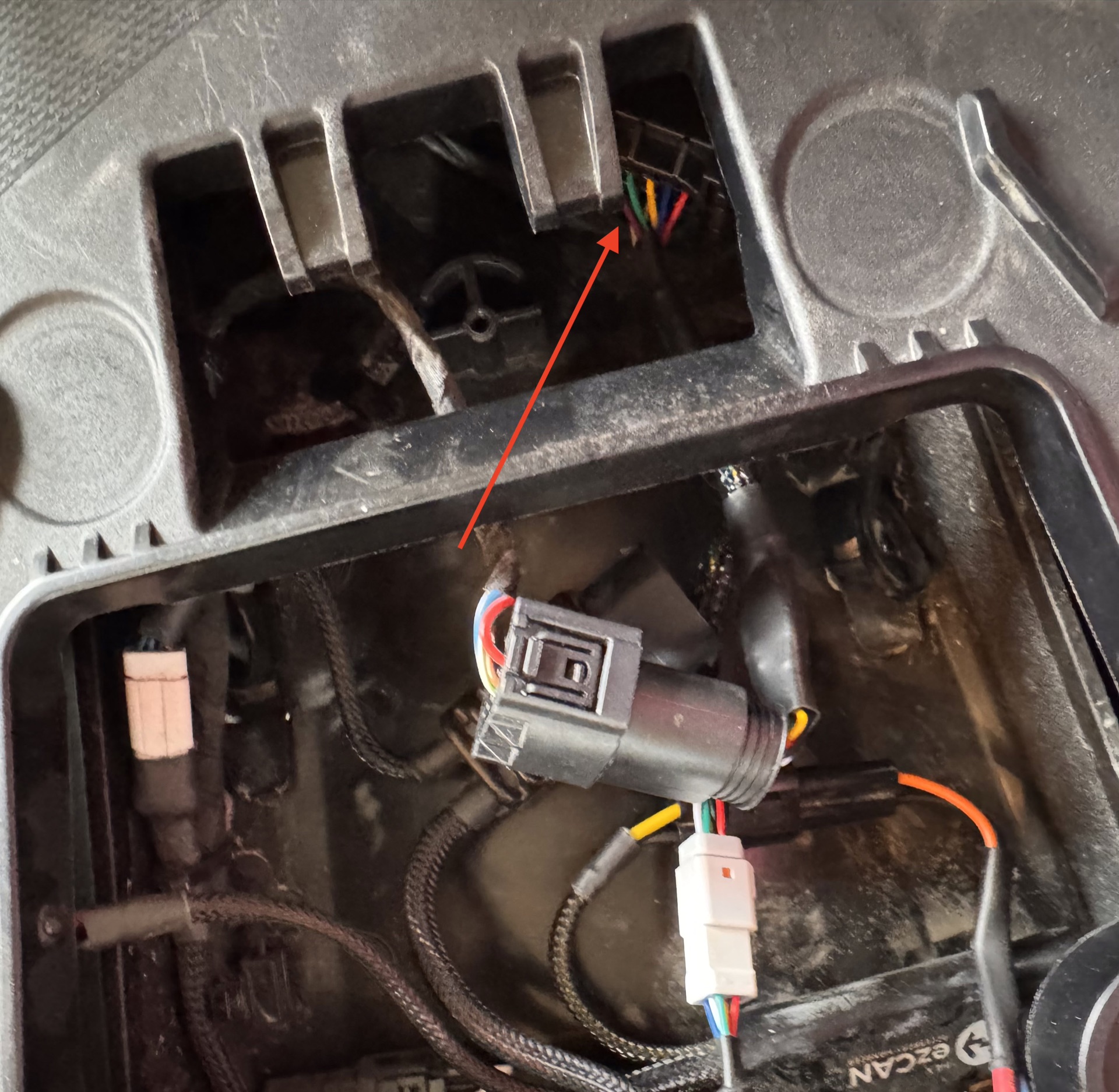
The CAN bus connector is under the rear cover beneath the seat. It’s a bit fiddly, the locking clips are on the sides, but it does come out.
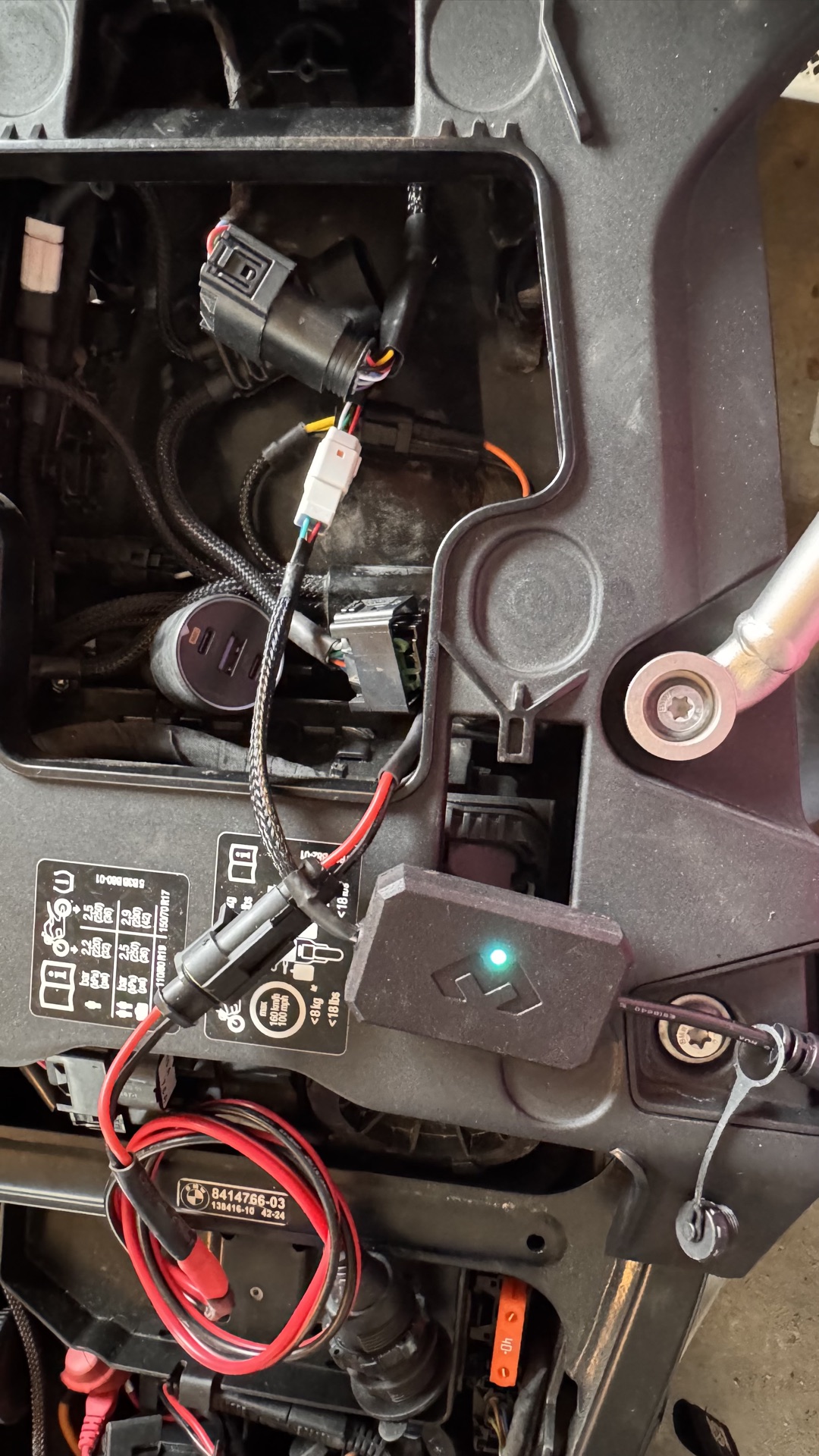
I extended the CAN bus with ezCAN and the BMW box as a daisy chain. It works flawlessly.
The mount in the cockpit
The Wunderlich mount for the original BMW cradle had been installed.
Now I needed one with the 12mm axle.
I chose this one from Ali Express.
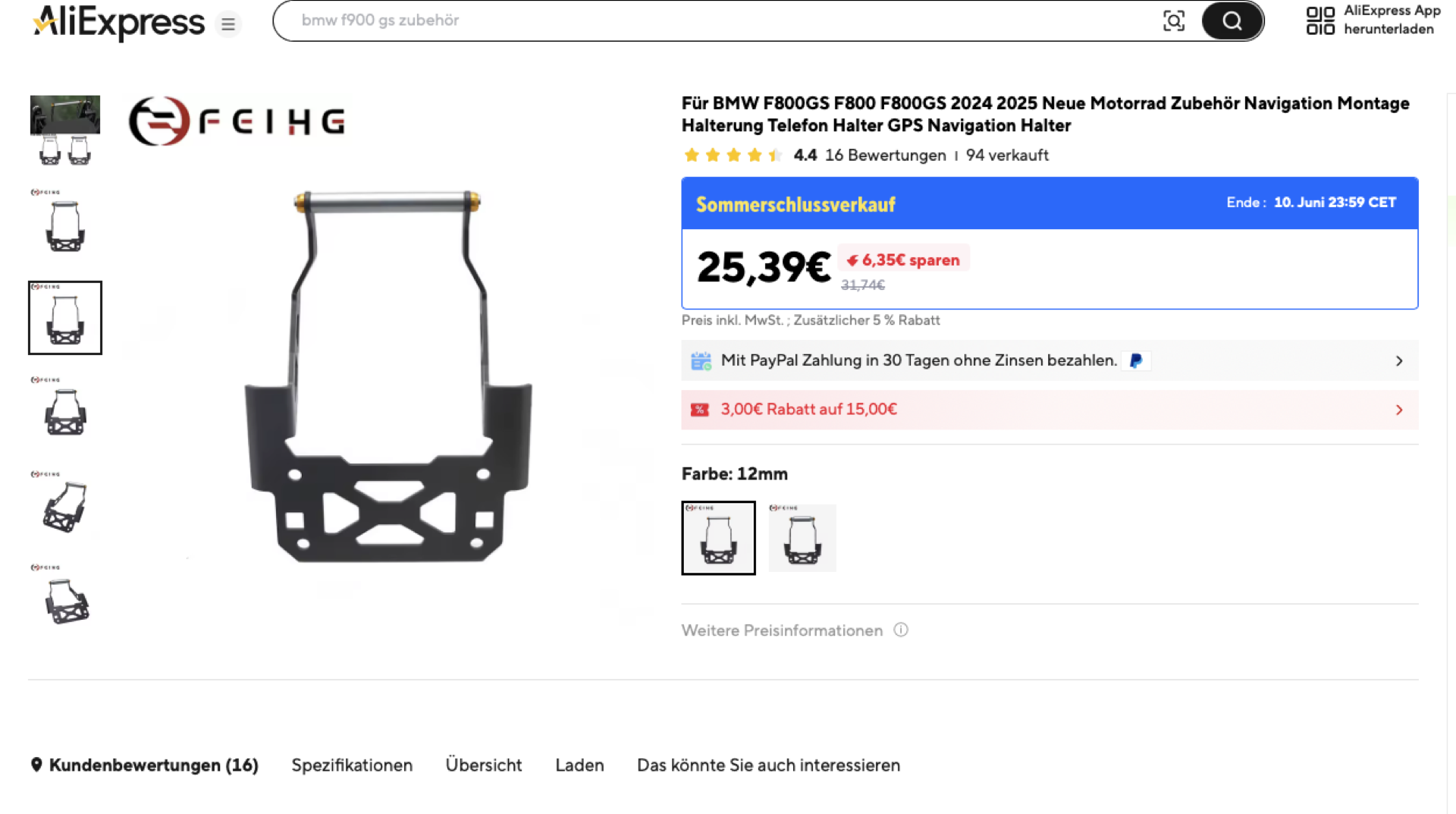
As an alternative I had also ordered one from Amazon, but didn’t end up using it.
https://www.amazon.de/dp/B0DZCB6Y5Z?ref=ppx_yo2ov_dt_b_fed_asin_title
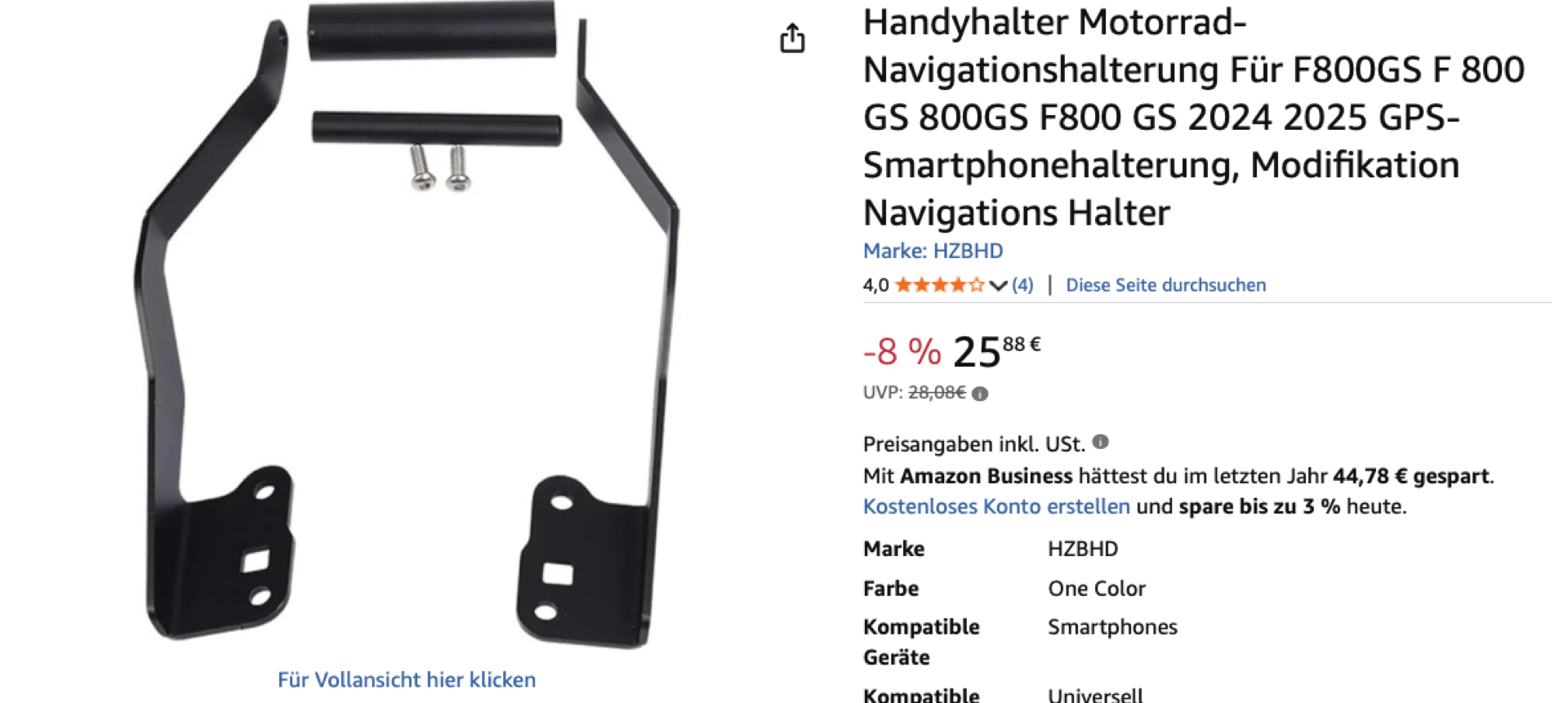
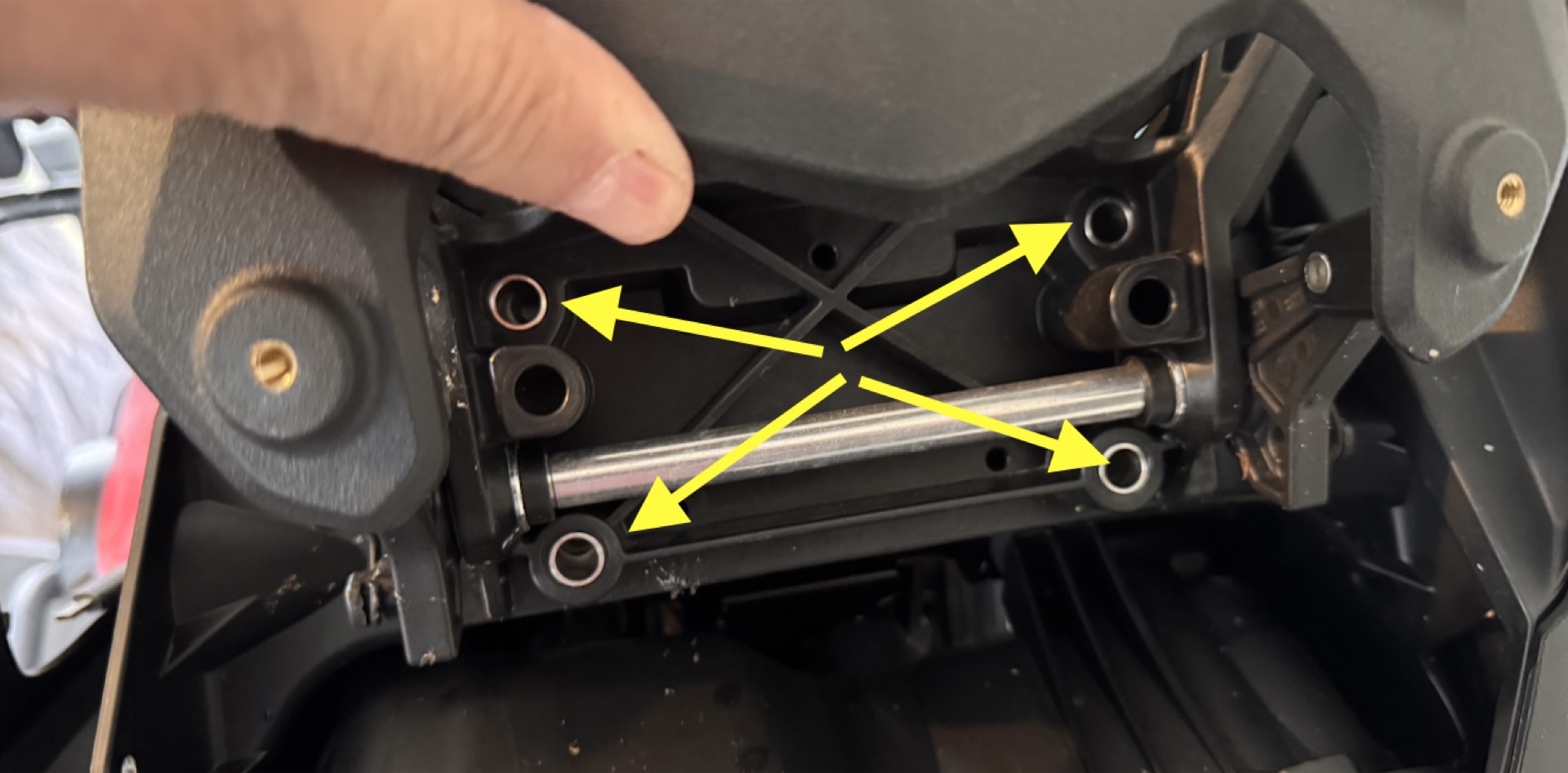
Neither mount comes with screws and spacers for the lower fixing. I don’t know whether BMW ships the bike like that or whether I already had them from the Wunderlich mount. My dealer installed that one back then.
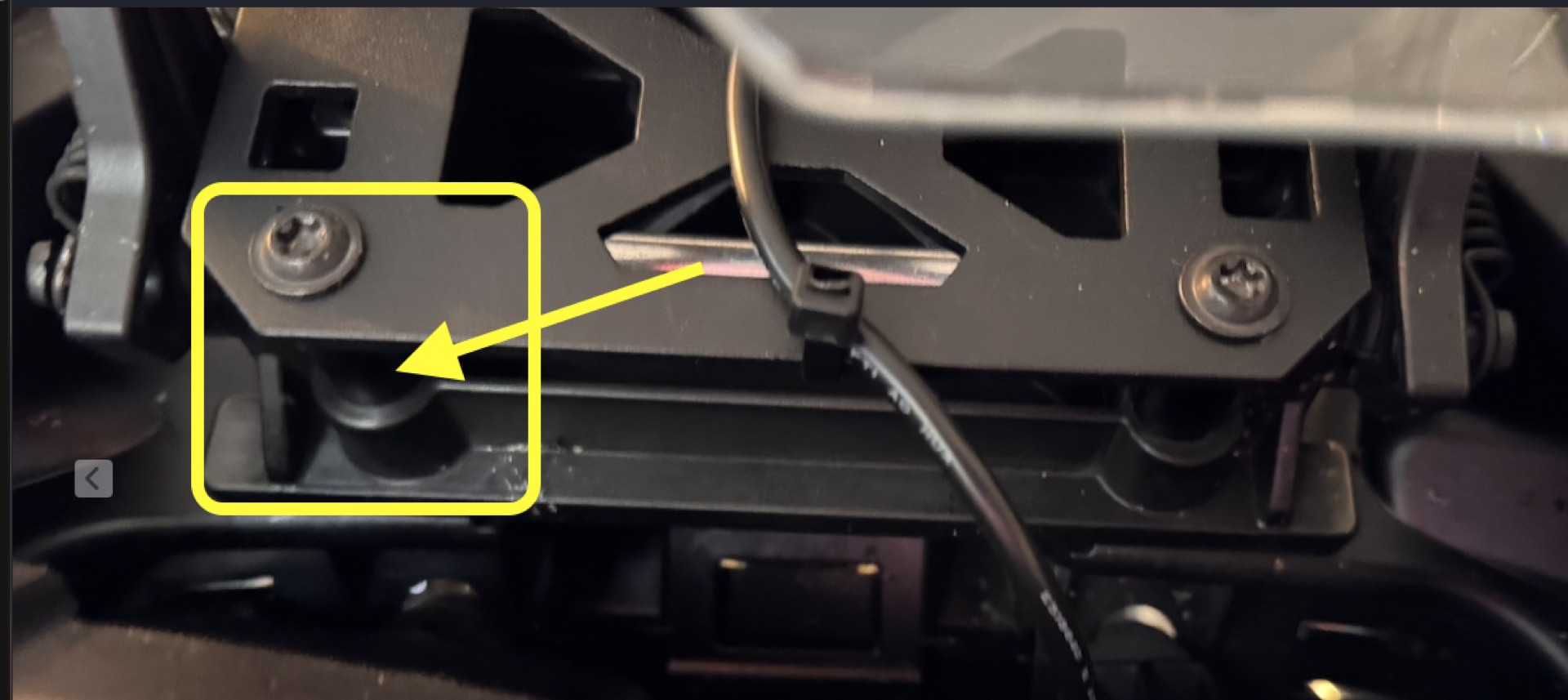
These are the roughly 2cm long spacers fitted in between here